Three days before a national TV ad is set to air, a $12 stock clip is dropped into a two-second gap during final color, only for legal to flag it the next morning.
There’s no release on file, the usage territory is unclear, and the compression won’t pass broadcast QC. Now there’s a scramble for a replacement, and the air date isn’t moving.
That’s the version of “stock footage for broadcast” nobody searches for until it happens to them. Guides to buying stock footage tend to focus on price and library size. For broadcast, those matter less. Two things matter more: whether the footage meets technical spec, and whether the license has the proper level of coverage.
What “Broadcast-Quality” Actually Means
Broadcast footage sourcing used to mean physical film cans, wire services, and a newsreel archive down the hall. Today it’s a search bar and a license agreement. What hasn’t changed is what actually gets footage rejected: it either doesn’t look right, or it isn’t legally cleared to air. “Broadcast-quality” comes down to those two checks.
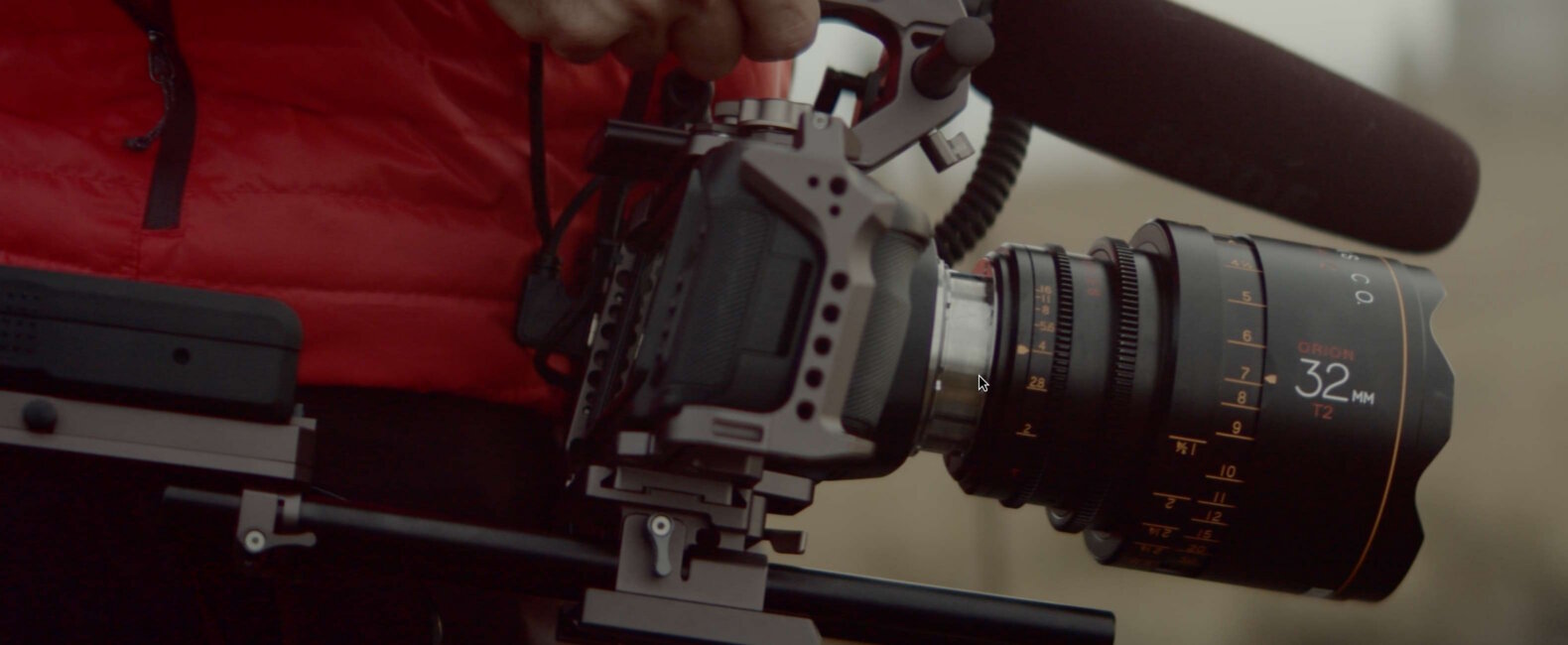
The first is technical. Broadcast and national ad delivery usually need 4K resolution or higher, shot on a high-bitrate codec like ProRes. If footage arrives heavily compressed, or barely clears 1080p, it shows fast. You’ll see it the moment it’s cut next to production footage or played on a broadcast monitor.
The second is color. A lot of stock footage ships with color already baked in. That looks fine in a preview, but it leaves your colorist nowhere to go when it’s time to match the rest of the spot. Footage shot flat, or in a LOG color profile, gives you room to grade it into whatever look the project needs.
You won’t catch either problem in a browser preview. Both only show up once the footage is cut into a real deliverable.
There’s a third check that trips people up less often, but still matters: frame rate and aspect ratio. A clip shot at the wrong frame rate means a conversion. Conversions can introduce judder or stutter that’s obvious on a broadcast monitor, even when it’s invisible on a laptop screen. Confirm frame rate before you license, not after your editor is fighting it in the timeline.
Where to Find Stock Footage for TV and Broadcast
There are two real options here, and they trade off against each other.
High-volume marketplaces move fast, and they’re very affordable per clip. The tradeoff is that quality and clearance status can vary a lot from clip to clip. That means the vetting work falls on you. You check the spec sheet, the release status, and the license terms yourself, one clip at a time, before you can trust a single result.
Curated cinematic libraries work the other way. They source from real productions and check resolution and release status before a clip ever becomes available to license. That usually means a higher price per clip.
For a one-off social post, that premium might not be worth it. For a spot airing on network TV, it usually is. A rejected clip three days before air costs a lot more than the clip itself, and that’s before you count the hours spent finding a replacement.
There’s a third source worth knowing about: in-house or agency-owned footage libraries, built up from past productions. If your team or client has shot footage before, some of it may already be broadcast-spec and pre-cleared for reuse. Worth checking internally before you license anything new.
Whichever route you take, check four things before you license anything meant for broadcast:
- The spec sheet: resolution, codec, and color profile
- The release status: are the people and property in the shot actually cleared for commercial use?
- Whether you can preview or comp the footage unwatermarked before you pay for it
- Whether any music or sound baked into the clip is cleared separately, or needs to be
Royalty-Free vs. Rights-Managed
The short version: royalty-free means you pay once and can reuse the clip across multiple projects, no extra fee per use. Rights-managed means the license is scoped tightly: a specific use without the option for reuse. Sometimes that can also include a set term, a set territory, or even exclusivity. You pay based on that scope.
For web content, that distinction barely matters. For broadcast, it matters a lot. Airing on TV raises questions royalty-free licenses don’t always spell out: how long can the clip air, in what territory, and does anyone else have a competing use of the same footage?
| Feature | Royalty-free | Rights-managed |
|---|---|---|
| Pricing | Flat, one-time fee | Scoped to term, territory, and possible exclusivity |
| Broadcast fit | Fine, if usage terms are confirmed upfront | Built for high-stakes, tightly scoped usage like national TV |
| Typical buyer | Editors filling gaps on a fast turnaround | Agencies and brands with legal review already built in and high brand standards |
Filmsupply, for example, scopes the price to how the clip is used. The value of a clip changes with the size of the audience seeing it.
Whichever license type you’re working with, one thing actually protects you legally: whether the footage is fully released. That means the people and property in it have signed releases clearing commercial use. If you skip that check, and even a tightly scoped rights-managed license won’t save you from a legal problem. You must verify release status first.

Audio Counts Too
Footage licensing gets most of the attention, but broadcast delivery also means clearing whatever music or sound is attached to your cut. A needle-drop that works fine for a rough cut or an internal video can turn into a separate licensing problem the moment it’s scheduled to air.
The same royalty-free versus rights-managed logic applies to music, just with its own set of terms: sync rights, performance rights, and sometimes a broadcast-specific rate tied to audience size.
Musicbed, a leading music licensing agency, licenses music the same way Filmsupply licenses footage: giving you access to in-demand, emerging artists whose music is cleared for commercial use, priced by scope.
Footage Broadcast Producers Actually Search For
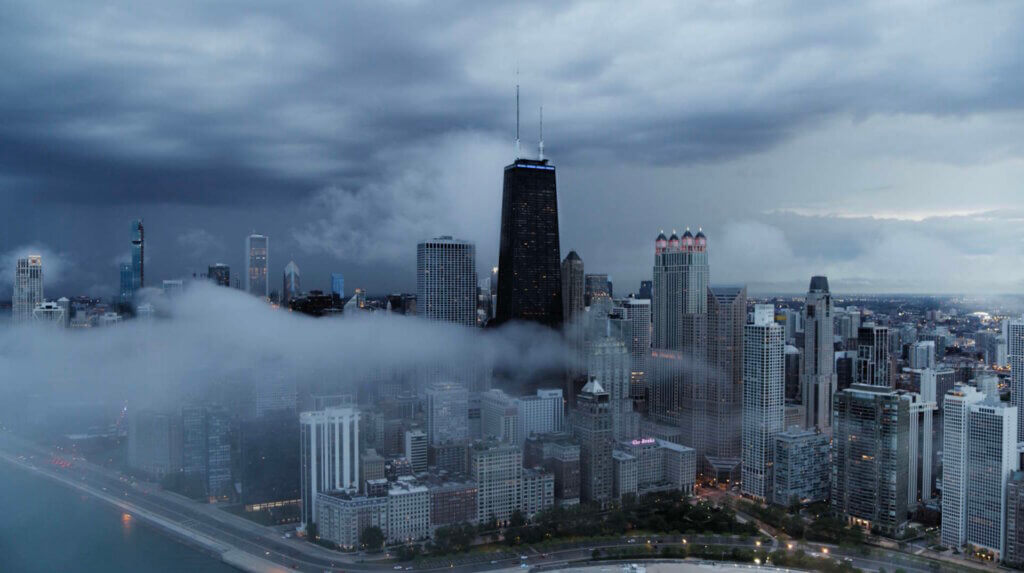
A handful of categories come up again and again in broadcast and title work: city skylines, weather and nature, transit and crowd b-roll, abstract textures for transitions, and even VFX plates.
Some of it leans into familiar broadcast visual language on purpose. Think waves breaking on rock for a news open, storm clouds building for a weather segment, or an old typewriter clacking out text for a title card.
None of it needs to be flashy, but clean enough to cut next to whatever original footage or graphics package it’s supporting.
Filling Gaps Without Breaking the Edit
The best use of stock footage in a broadcast edit is the kind nobody notices. That only works if the footage matches the quality, grade, resolution, and lensing of the rest of the project. That’s why the technical spec check from earlier isn’t optional.
It’s also why previewing unwatermarked comps matters. You want to see how a clip sits next to your footage before you commit to it, not after you’ve paid.
This matters most in the moments where original footage simply doesn’t exist. Cutaways, transitional b-roll, a shot you didn’t have time or budget to capture on the shoot. A well-matched clip fills that gap invisibly, but a poorly matched one becomes the moment a viewer notices the seams.

A Modern Source for Broadcast-Ready Footage
This is the gap Filmsupply is built to close. The video library is curated from real short films, spec ads, and passion projects, not generic stock shoots. Everything is shot in 4K or higher, with flat or LOG color profiles ready for grading. Pros like Eddie Kesler characterize Filmsupply as an expansive collection of beautiful, cinematic footage, which looks much more professional and current than cheap stock footage companies.
Every clip is fully released before it’s listed. Licensing is scoped to how big your placement is, so a small internal cut and a national broadcast spot aren’t priced the same, and neither is the diligence required to trust it.
If you’re vetting footage for something airing on TV, that checklist from earlier is already built into the source. You’re not left to verify it clip by clip on your own.
Filmsupply also offers complimentary footage research for teams that don’t have time to dig through the library themselves. Under a tight broadcast deadline, that can matter as much as the footage itself.
Hybrid Sourcing Is the Practical Norm
Very few broadcast projects run on a single footage source. The typical mix is original production footage combined with licensed stock to fill gaps. Documentary or historical projects sometimes add archival footage on top of that, which is its own sourcing category with its own clearance rules and often its own vendor entirely.
The mix works because each source does the job it’s actually good at. Original footage carries the story. Stock fills the gaps original footage can’t cover on budget or schedule. Archival footage, when a project genuinely needs it, brings context nothing else can. Treating all three as interchangeable is where broadcast projects get into trouble, usually by stretching stock into a role archival footage was built for, or the other way around.
Where Broadcast Stock Footage Is Headed
AI-generated footage is growing fast, but it isn’t there yet for broadcast use. Here are several reasons. First, spec is inconsistent from tool to tool. Then, the rights behind an AI-generated clip are murky at best, and that makes legal teams nervous, especially for a network placement.
Releases are a big part of the issue. A talent release or location release exists because a real person or place was filmed, and someone signed off on it before the shoot. AI-generated footage skips that step by default. There’s no actual person or property behind the image to release. That also means it likely can’t or won’t be indemnified by anyone.
If you compare it to Filmsupply’s footage, this gap doesn’t exist. Every clip comes from a real production with real releases on file, and Filmsupply can confirm exactly what’s covered before you air anything. Filmsupply can also offer indemnification to clients who license footage.
Ownership is murky too. In March 2026, the U.S. Supreme Court confirmed that purely AI-generated work can’t be copyrighted unless a person meaningfully shaped it.
That means a brand that generates a clip often can’t stop anyone else, including a competitor, from using the same asset. A license is supposed to guarantee the opposite: footage that behaves predictably, and doesn’t turn up in someone else’s spot next month.
International regulation is catching up too. As of August 2026, the EU AI Act requires certain AI-generated or manipulated content to carry disclosure and labeling. Footage that’s fully human-shot, like everything in Filmsupply’s library, doesn’t trigger that requirement at all.
Frequently Asked Questions
Is royalty-free footage safe to use on broadcast TV?
Generally, yes, but confirm the usage terms before you air it. Some royalty-free licenses cap the number of projects or exclude certain broadcast or advertising uses. Check the license terms rather than assuming “royalty-free” covers everything automatically.
What resolution do I need for broadcast delivery?
4K or higher is the safe floor for most current broadcast and national ad delivery, shot on a high-bitrate codec. Exact specs vary by network and by project, so confirm against your specific delivery requirements before locking picture.
Is broadcast delivery different from web delivery specs?
Yes. Web delivery is forgiving of lower resolution and heavier compression since it’s viewed on smaller, less controlled screens. Broadcast and national ad delivery are stricter on resolution, codec, frame rate, and color, since the footage is scrutinized on a calibrated monitor before it’s ever cleared to air.
Can I use stock footage in a documentary airing on TV?
Yes, and the same clearance logic applies. Check the release status and license scope before airing. Documentary projects sometimes also pull archival or historical footage alongside licensed stock, which is a separate sourcing category with its own clearance process.
Do I need a separate license for music in broadcast stock footage?
Often, yes. Footage licenses and music licenses are usually separate agreements, even when a clip ships with a temp track attached. Confirm the music is cleared for broadcast specifically, not just for web or internal use, before you lock the cut.
What does “fully released” mean in a stock footage license?
It means the people and property shown in the clip have signed releases clearing commercial use. It’s a separate question from license type, royalty-free vs. rights-managed, and arguably the more important one for avoiding legal exposure.
Is AI-generated footage legal or safe to use in broadcast content?
It’s not outright illegal, but it’s certainly risky for broadcast. AI-generated clips often don’t have clear releases, since they weren’t shot with real people or places. That means the risk for lawsuits is present and real with AI-generated footage.
Copyright protection can be shaky too. Currently, AI-generated content cannot be copyrighted, which means any brand or person can use anything that is generated by AI.
There are also new rules, like the EU’s AI disclosure requirements for AI content that add another layer of complexity and risk. Brands and companies that do not abide by these disclosure laws face fines.
Closing
Broadcast-ready footage comes down to two checks: does it meet spec, and is it actually cleared to air, audio included. Confirm both before you license anything, and the three-days-before-air scramble from the start of this article never has to happen to you.
You can license cinematic footage that’s already vetted for both on Filmsupply.