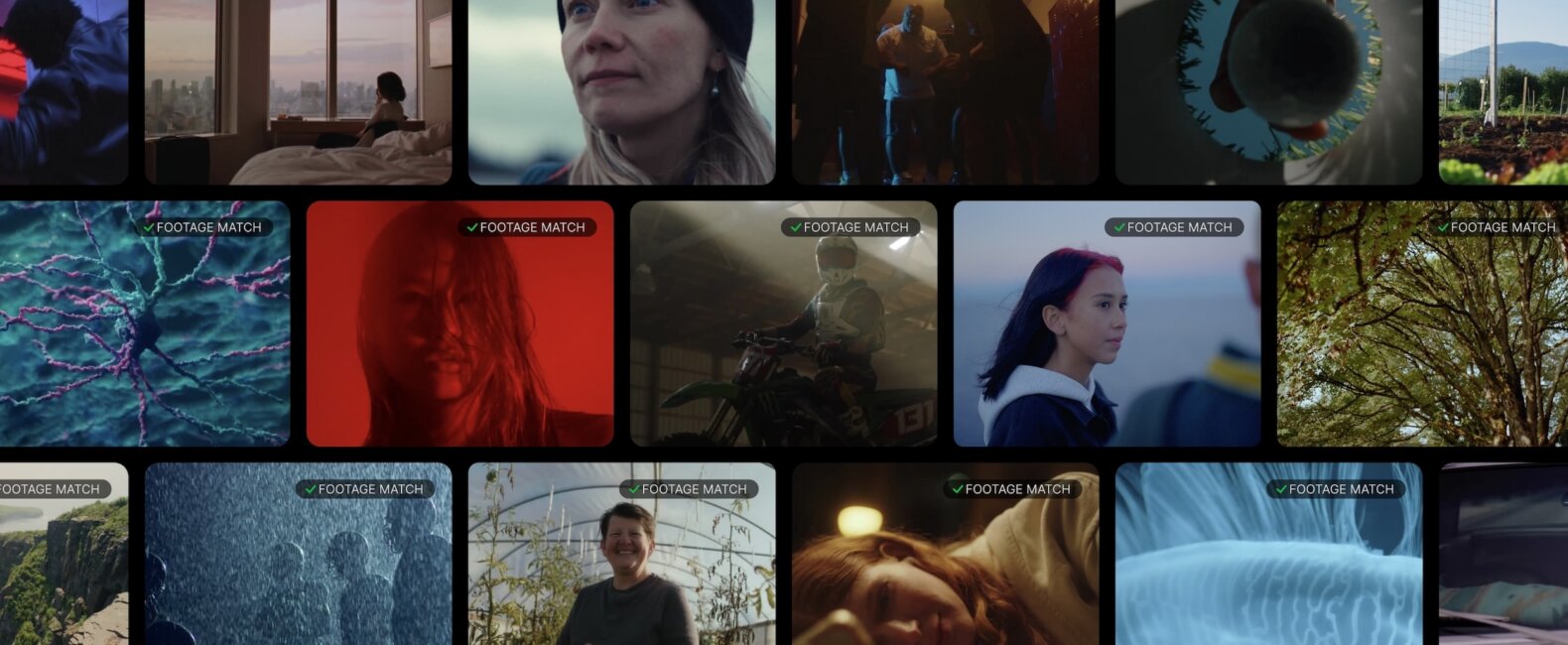
Finding the right footage often begins in one of two places. Sometimes, you have a scene in your head and need to put it into words. Other times, the idea is already sitting in front of you as an image, a treatment reference, or a temporary clip in an edit.
Filmsupply Search now supports both.
With Updated Search and Search by Clip or Image, you can search using a natural description or start with a visual reference. Both features are designed to help you find more relevant footage from Filmsupply’s roster without spending as much time guessing at keywords.
Here’s how they work.
Search the Way You Describe a Scene
Filmsupply Search has been completely rebuilt. Instead of relying only on keywords attached to footage, you can describe the scene naturally, using a phrase or sentence instead of disconnected words.
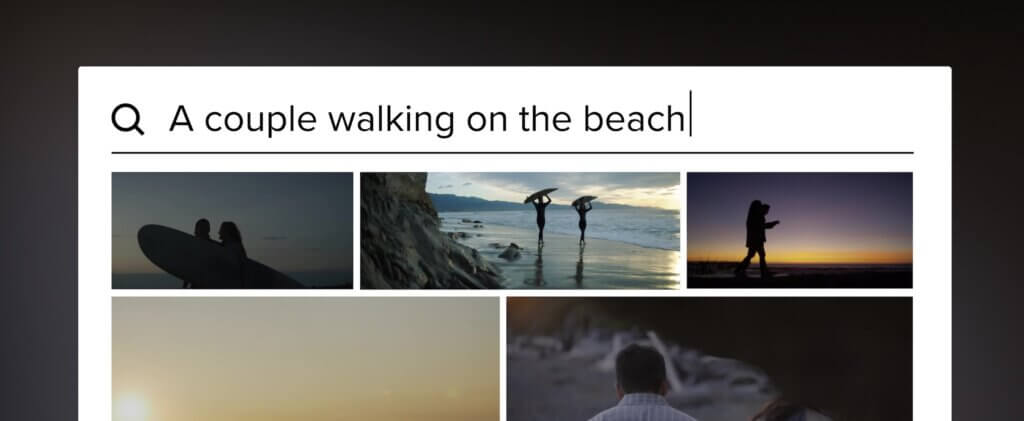
A search like “a woman laughing in a kitchen with morning light” gives Filmsupply more context than a basic search for “woman kitchen.” The same applies to searches built around a certain feeling, visual style, or composition.
The result is a search experience that works more like a creative conversation. Describe what you are looking for, and Filmsupply Search will return fully released footage that more closely reflects the idea.
RELATED READS: From Assembly to Picture Lock – Rough Cut, Fine Cut, and Final Cut
Search By Clip or Search by Image
Some visual ideas are easier to show than describe.
Search by Clip or Image lets you upload a reference directly into Filmsupply Search. That reference could be a still from a treatment, an image from a mood board, or a temporary clip already sitting in your timeline.
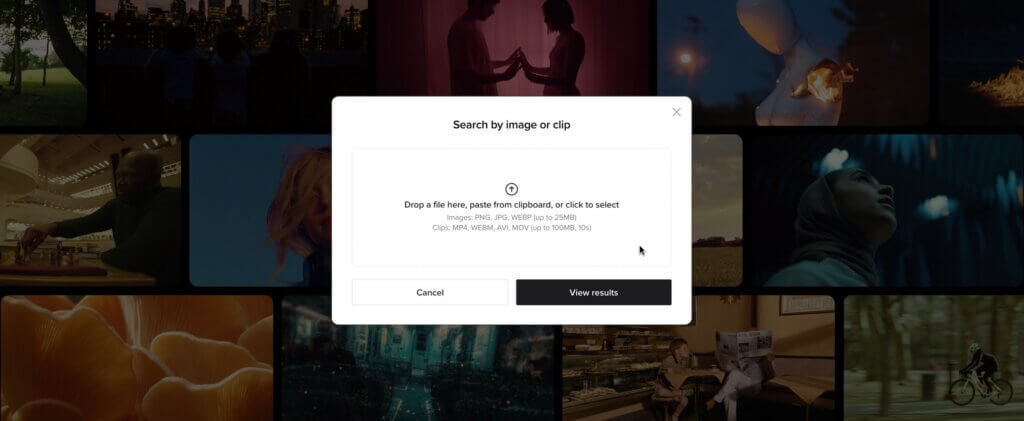
Filmsupply analyzes the visual content of the reference, then returns footage with related subjects, composition, style, and mood.
This means you no longer have to translate every visual detail into a text search. You can start with the image or clip that already communicates the direction and explore footage that moves in a similar direction.
Two Ways to Begin the Same Search
Start with words when you know how to describe the scene, or start with an image or clip when you already have the visual reference. Either way, the goal is the same: to help you get closer to the footage you need, faster.
Try the New Filmsupply Search
Search with the scene in your head or the reference in front of you, and Filmsupply Search will help you take it from there.